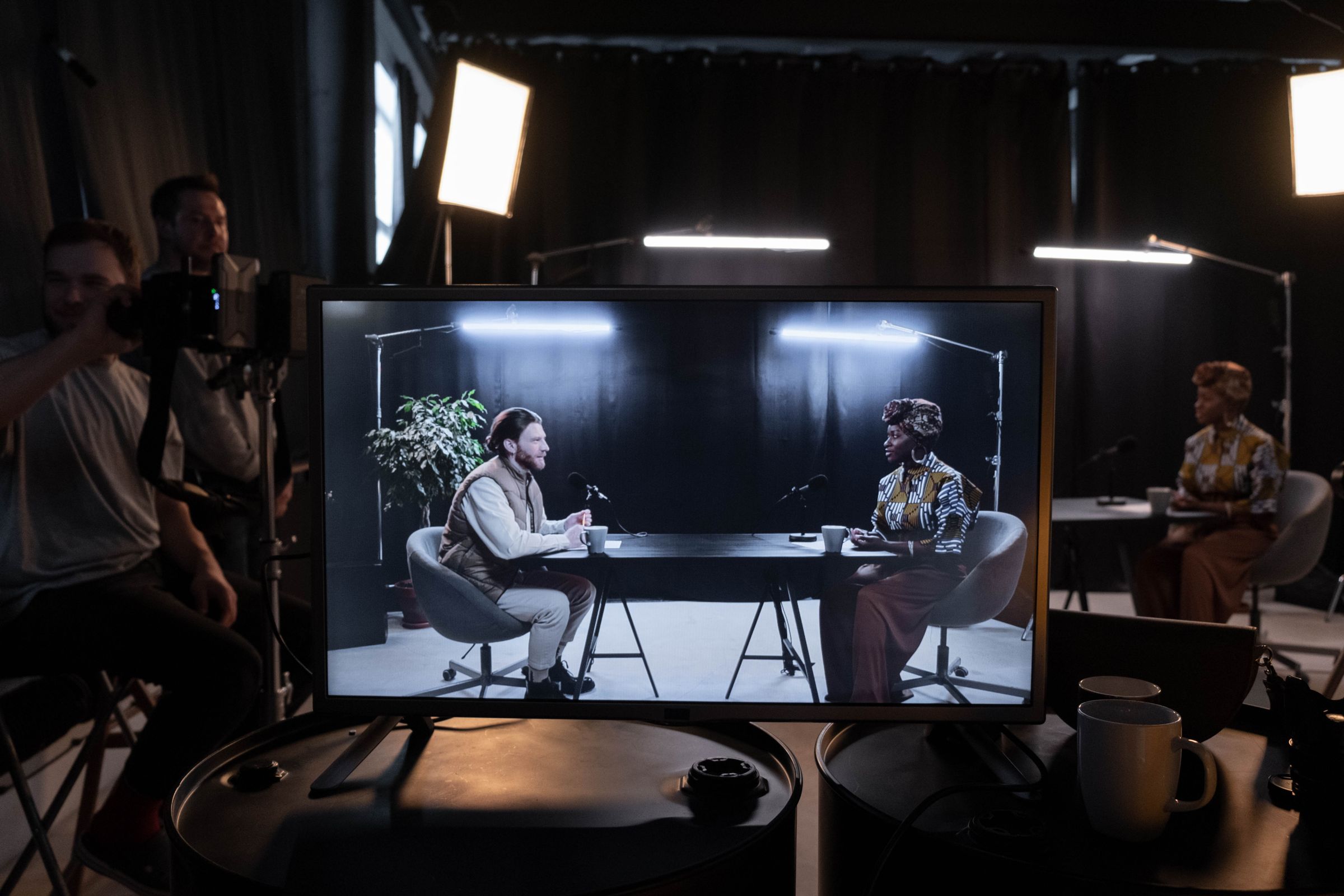
One hour of recorded conversation usually holds more than 15 moments that work as standalone short clips, and FogLine Visuals, a video podcast production company in San Francisco, plans those clips before the recording starts. This is how we plan them and edit them to work on mute for LinkedIn, YouTube Shorts and X.
Why the clips matter so much
A full episode asks for 40 minutes of someone's attention. A good clip asks for 40 seconds. In our experience, one strong clip often reaches far more people than the full episode it came from, and that's where new listeners, customers and candidates first meet your company. The episode still matters: it's where people go after a clip makes them curious.
Where 15 clips come from
An hour of good conversation usually has more than 15 moments that stand on their own. They tend to fall into a few types:
- A strong opinion, said plainly
- A short story with a clear ending
- A specific number or result
- A useful how-to answer
- A funny or surprising moment between host and guest
Each clip should make sense to someone who never heard the rest of the episode. If it needs the previous five minutes for context, it isn't a clip.
Three of the Shorts cut from The Bay Signal #1 with Happyverse founder Max Sapo.
Plan for clips before you record
Clips start in the pre-call, not in the edit. A few things help:
- A question map with questions that invite stories and opinions, not summaries
- Several cameras, so each clip can cut between a wide shot and close-ups
- A separate microphone for each person, so the sound holds up on a phone speaker
- A host who asks the follow-up and lets the guest finish the thought
Editing a clip that works on mute
Most clips are vertical, 30 to 90 seconds long, with captions burned in. The first line has to earn the next ten seconds, so a clip often starts in the middle of an answer rather than at the question. Trim pauses and filler, keep the speaker's rhythm, and add a short title card if the topic isn't obvious from the first sentence.
A simple publishing rhythm
Fifteen clips is three or four a week for about a month. Post the full episode first, then release the clips over the following weeks on LinkedIn, YouTube Shorts, X and Instagram, each one pointing back to the episode. It usually helps to post clips from the founder's own profile as well as the company page.
What to have ready
- The guest, the date and the three or four topics you want to cover
- Where you'll record: your office or a studio
- Who will post the clips, and on which platforms
- The link every clip should point to
We produce video podcasts for San Francisco startups, including the full episode edit and up to 15 vertical clips with our Premium Production. See video podcast production with up to 15 vertical clips or visit our studio in SoMa. For a real example, see how one episode of The Bay Signal became more than 25 Shorts.
FAQ
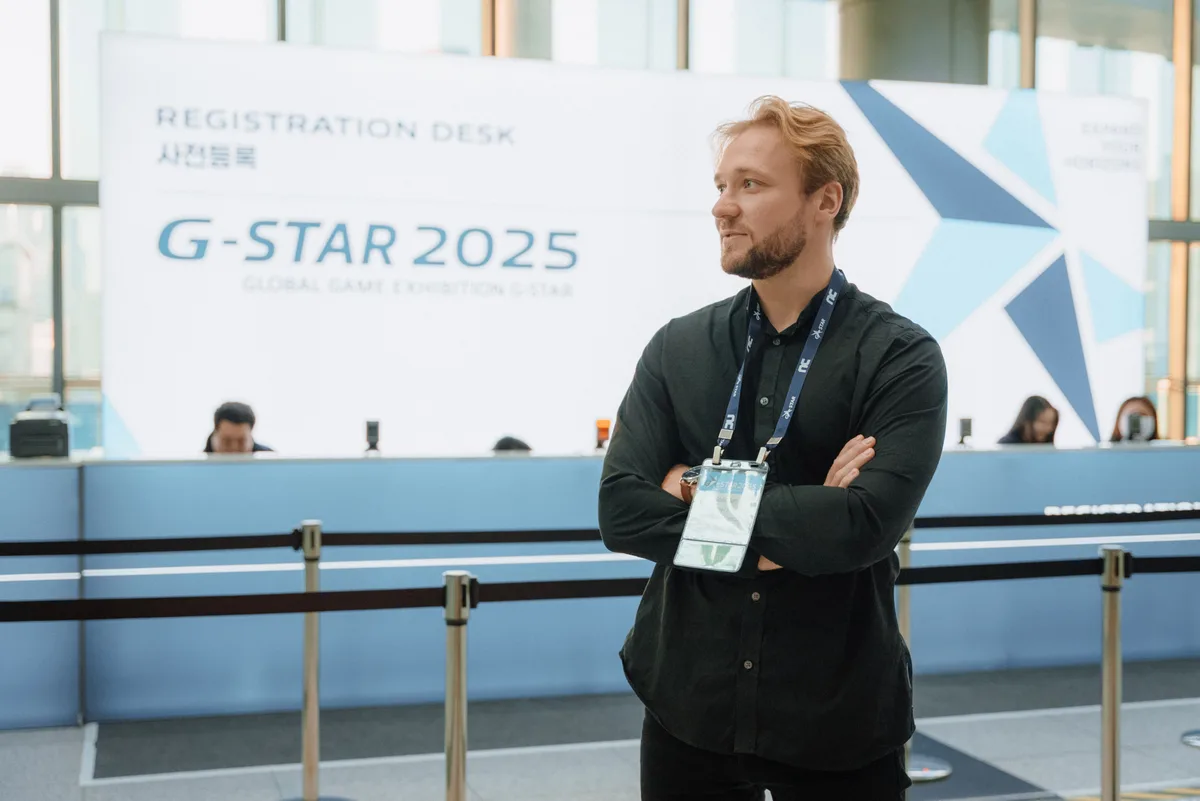
Francisk Hanchar
Founder, FogLine Visuals
Francisk Hanchar is the founder of FogLine Visuals, a video production company in San Francisco. He produces video podcasts, launch videos and event coverage for startups, and hosts The Bay Signal.
About FogLine